



Before you first use the campus systems, network and card, you must activate your account. An unactivated account cannot access the campus network, and the campus card cannot be topped up.
Activation steps are as follows:
Step 1:Open the activation page
Option 1:Open https://activate.ecnu.edu.cn/ on your moblie phone browser to enter the activation page.
Option 2:Open https://activate.ecnu.edu.cn/ on your computer browser, and use your mobile phone to scan the QR code displayed to enter the activation page.
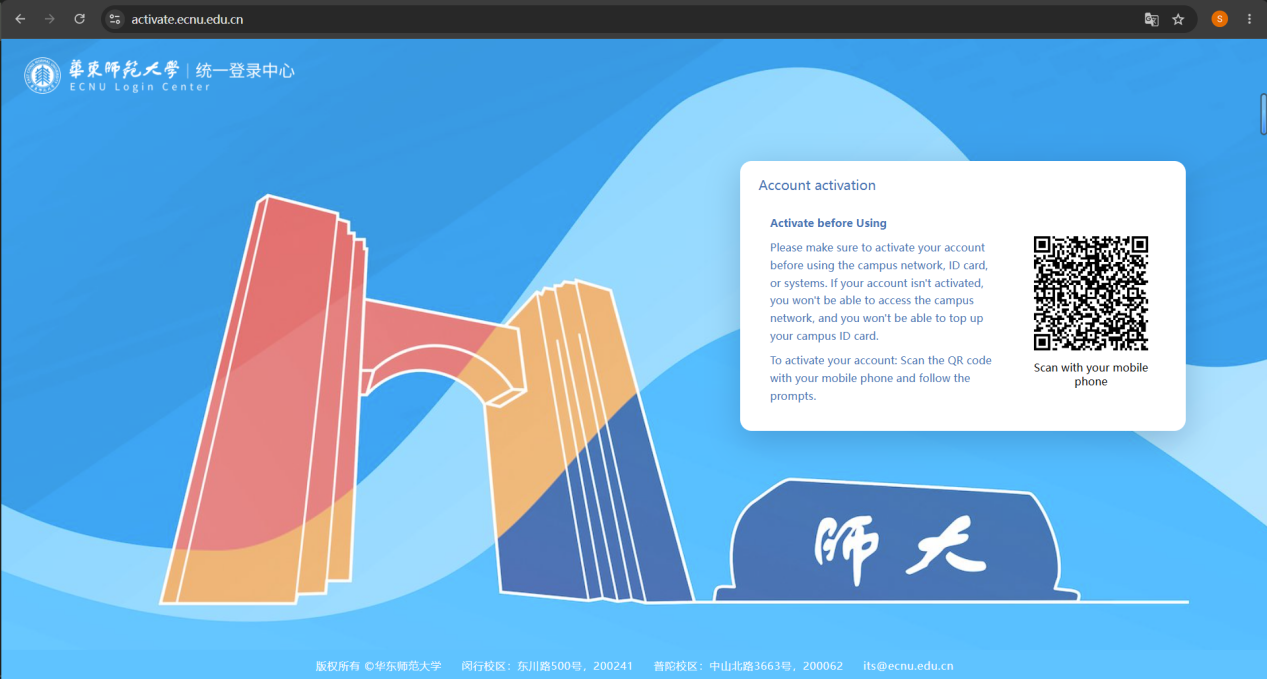
Option 3:Use your mobile phone to scan the QR code on the envelope of your campus card to enter the activation page.
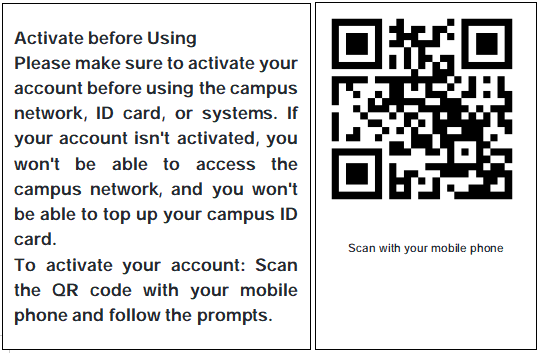
Step 2: Bind your mobile phone number or security email and set your password
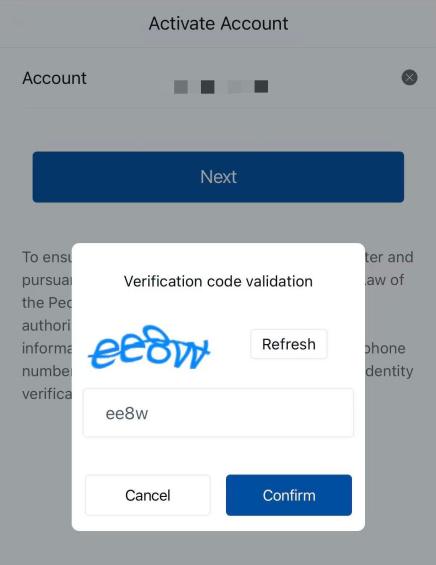
Enter your campus ID (student or staff number), click Next, tap Get verification code, enter the code you receive, and click Next again.
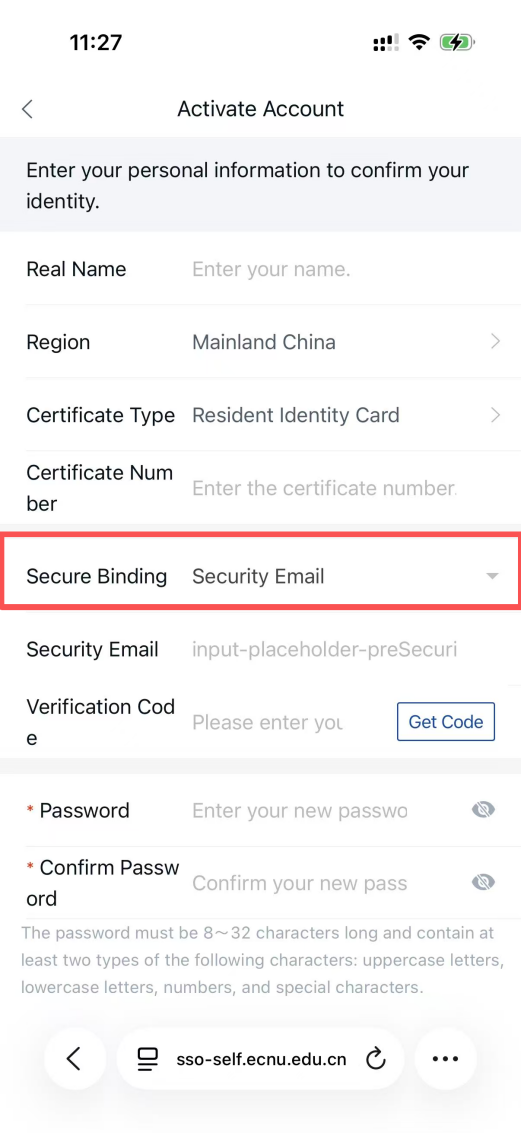
Then fill in your personal information (name, region, ID type — e.g. passport — and ID number), and follow the prompts to bind your mobile phone number and set your password that meets the password rules: 8–32 characters, containing at least two of the following four character types — digits, uppercase letters, lowercase letters, and special characters.
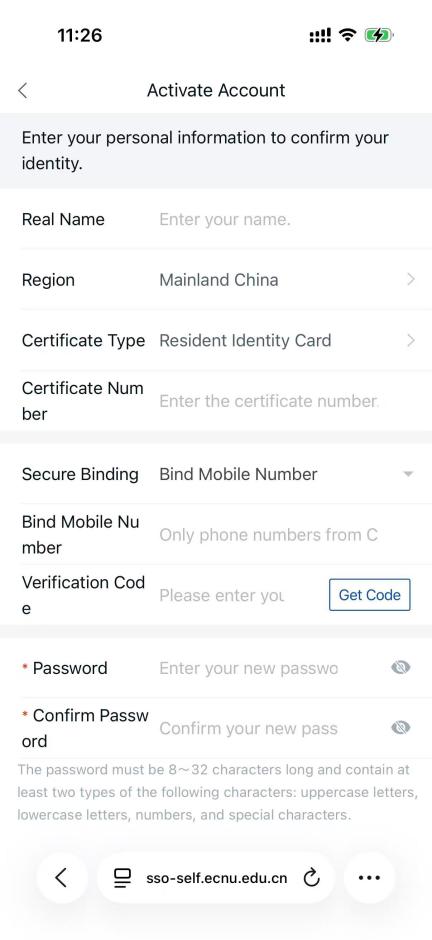
If you do not have a mainland China mobile phone number, select “Security email” from the drop-down list in the security binding area to bind your off-campus personal email address (it must not be an address such as *@.ecnu.edu.cn).The rules for your password are the same as above.

Once“Activation Succeeded” is shown, you can log in with the password you have set.
Note:After the account is activated, for other applications that are accessed with the ECNU Login Center account (such as network access), the password will also be updated to the new password you set.
If you are a “one person with multiple accounts” user, the passwords of all your accounts under different identities will be synchronized as well.


